

Before you start
You need a Worksong account and a workspace. A new account with no Agents shows a Create your first agent button on Home and on Agents.Steps
- Open Agents in the left rail. With no Agents yet, you see “No agents yet”.
- Select Create your first agent. Once you have an Agent, select the + button at the top of the list instead.
- Fill in the form:
- Name — what you call the Agent, for example
Ada. - Role — a short title, for example
CTO. - Mandate — what the Agent owns and how it should answer, for example
You are Ada, the CTO. Own architecture decisions and keep answers short.The field holds up to 40,000 characters.
- Name — what you call the Agent, for example
- Pick a colour for the avatar, or type a hex value in Colour.
- Select Create.
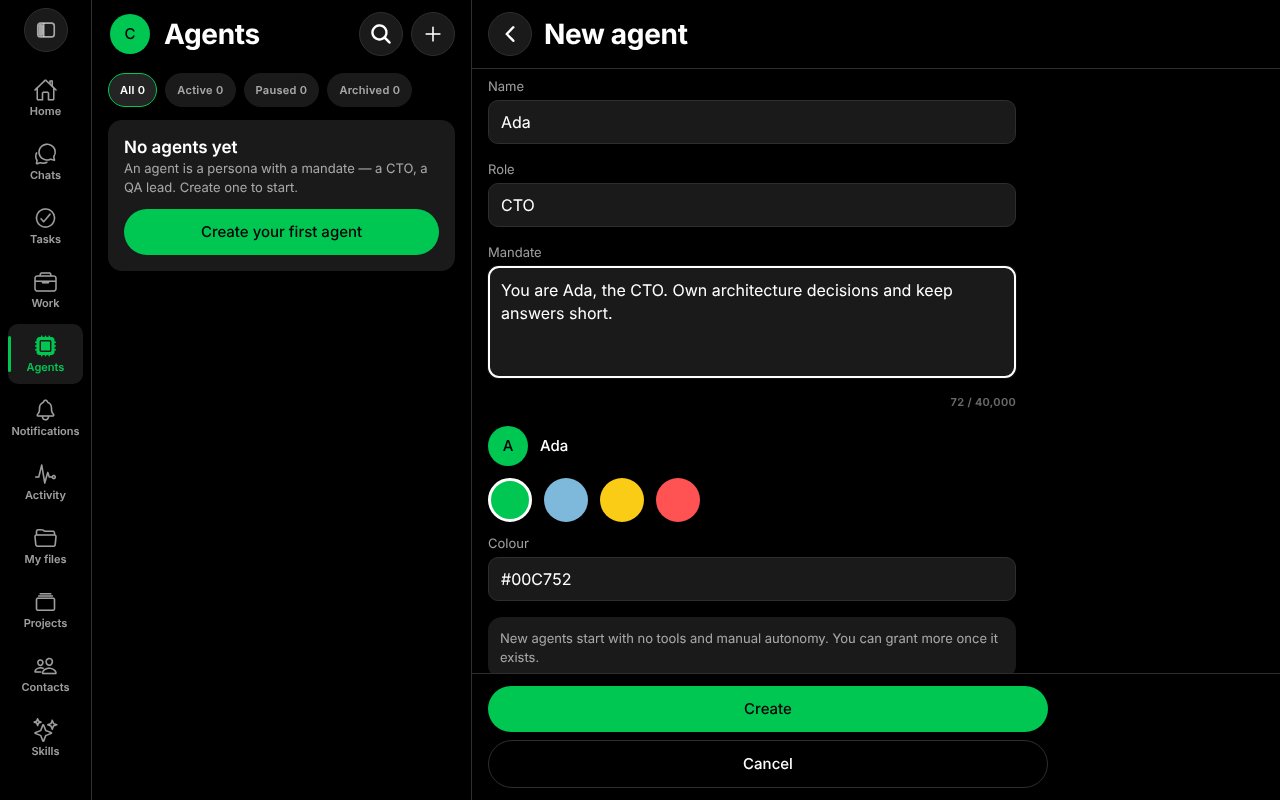
The New agent form, filled in.
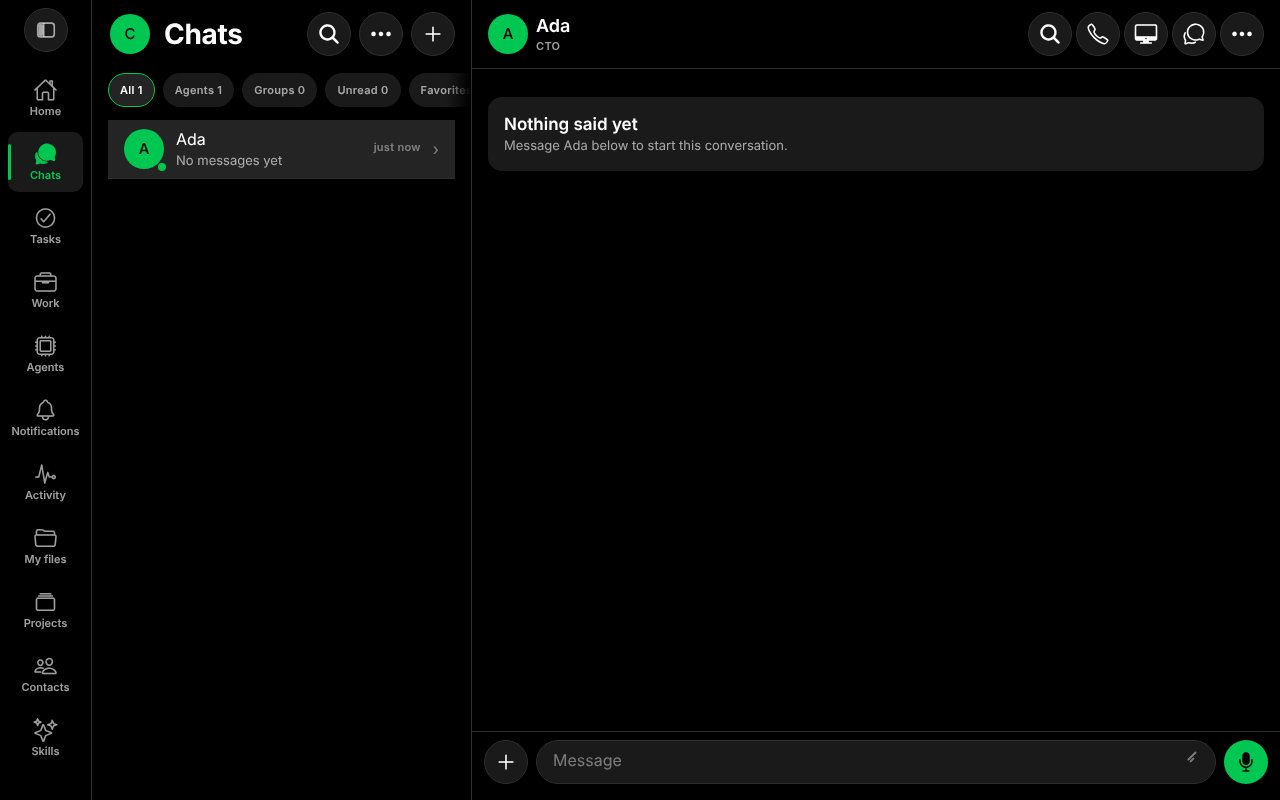
The new Agent's chat, before the first message.
What the new Agent can do
A new Agent starts with no tools and manual autonomy. That means it can talk, and it asks you before any action. You grant tools later, on the Agent’s own pages. See Agents and Approvals.Next
Source:worksong-ai/worksong:apps/mobile/src/features/bots/NewBotScreen.tsx@e5e65e9, worksong-ai/worksong:docs/API.md@e5e65e9. Docs version: Worksong 2.0 with Work 1.2.